
The best portable wifi device for travel in 2026 depends less on a single “top gadget” and more on your trip style: how many devices you connect, where you’re going, and whether you can tolerate SIM swaps or app setup.
If you’ve ever landed, turned off airplane mode, and immediately started hunting for café Wi‑Fi, you already know the pain: spotty connections, sketchy networks, and work calls that do not wait. A good travel Wi‑Fi setup saves time, reduces risk, and keeps maps, rideshares, and messaging reliable.
This guide breaks down the realistic options Americans use right now: dedicated hotspots, phones used as hotspots, eSIM data, and “global roaming” devices. You’ll get a fast comparison table, a quick self-check, and a few buying tips that actually matter in day-to-day travel.
What “portable WiFi device” really means in 2026
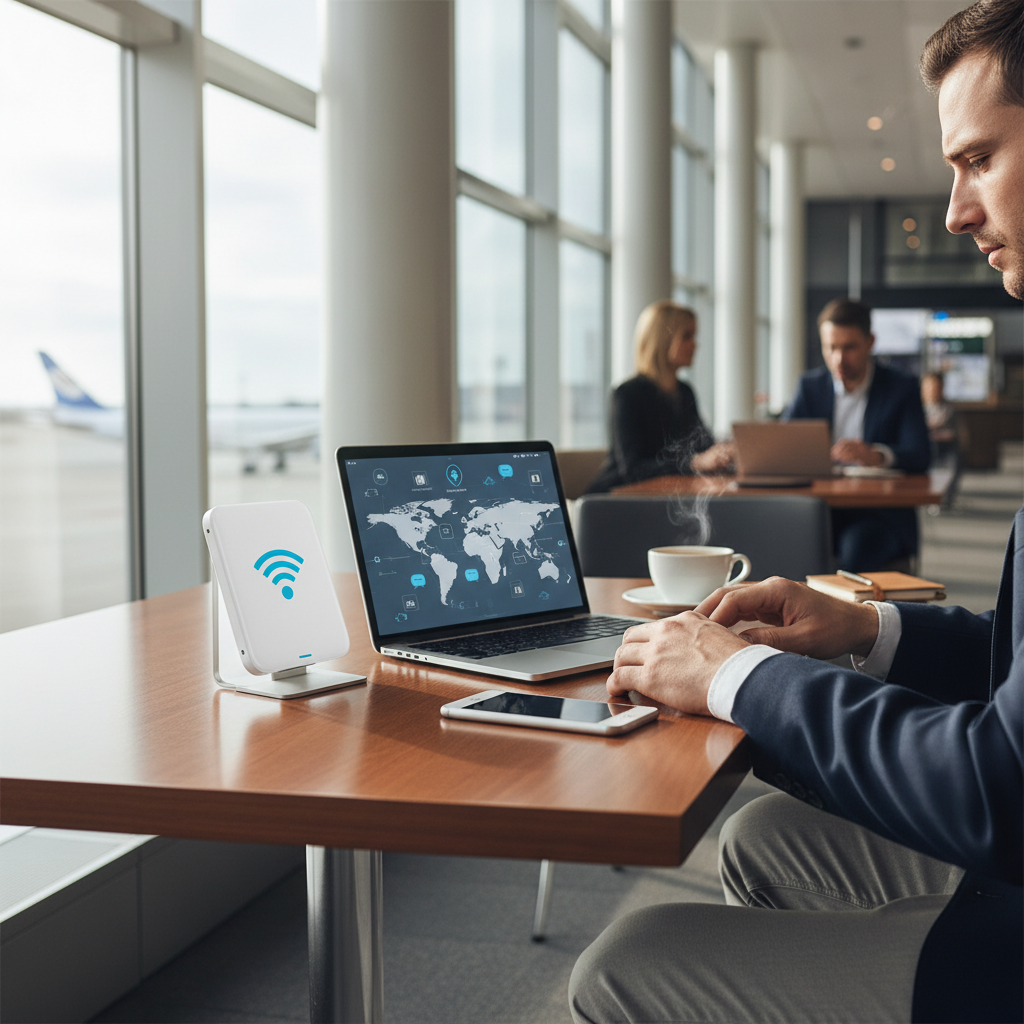
People say “portable WiFi” and mean different things, so it helps to name the buckets. In most shopping pages, a portable WiFi device is a dedicated mobile hotspot, a small battery-powered unit that connects to cellular networks and broadcasts a private Wi‑Fi network.
But in real travel planning, you also have two close substitutes: eSIM data (your phone becomes the data connection, with hotspot sharing if your plan allows) and your phone as a hotspot using your existing carrier’s roaming.
- Dedicated hotspot (MiFi): separate device, often better battery and sharing, can keep your phone free.
- eSIM on your phone: fast to activate, no extra hardware, coverage and hotspot rules vary by provider.
- Phone roaming/hotspot: convenient, can get expensive, sometimes throttled.
- “Global WiFi” rental/roaming devices: subscription-style service, convenience traded for cost and fine print.
According to the FCC, public Wi‑Fi users should take steps to protect personal information, especially on unsecured networks. That’s one reason travelers lean toward their own connection when possible.
Quick comparison: hotspot vs eSIM vs roaming (pick your lane)
If you’re trying to decide what’s the best portable wifi device for travel for your situation, the fastest path is comparing setup friction, cost predictability, and how many devices you need to run at once.
| Option | Best for | Pros | Trade-offs |
|---|---|---|---|
| Dedicated hotspot device | Families, teams, multi-device travelers | Shares data easily, strong battery, private Wi‑Fi | Extra device to charge, needs SIM/eSIM plan |
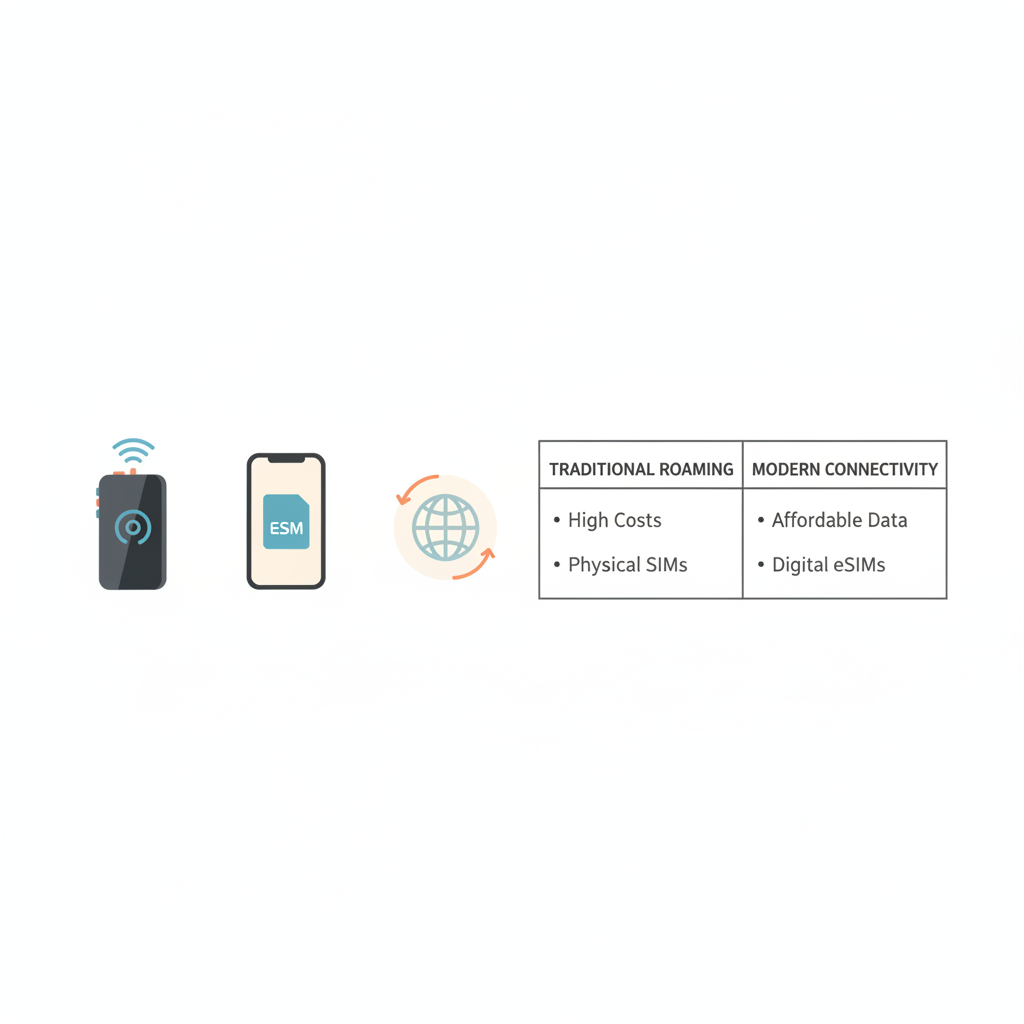
| Phone + travel eSIM | Solo travelers, light work | No extra hardware, quick activation, flexible plans | Hotspot may be limited, drains phone battery |
| Carrier roaming (phone) | Short trips, “I need it now” | Zero setup, keeps same number | Costly, speed caps can appear |
| Global Wi‑Fi rental device | Infrequent travelers who want convenience | Simple ordering, sometimes broad coverage | Daily fees, deposit/shipping, fair-use throttling |
A practical rule: if you routinely connect a laptop and more than one other device, a dedicated hotspot tends to feel less fragile than phone-based sharing.
How to tell which option you actually need (fast self-check)
Most people overbuy here. They imagine worst-case connectivity, then end up carrying a device they barely use. Run this quick checklist and be honest.
- How many devices at once? If it’s 3–10 devices (family, coworkers), a hotspot device starts making sense.
- Are you working on the road? Video calls and large uploads punish weak networks, prioritize stable LTE/5G bands and a bigger battery.
- Where are you traveling? One country in Western Europe differs from rural routes or multi-country itineraries.
- Do you need your phone battery for photos/navigation? If yes, offloading data to a separate hotspot can be worth it.
- Will you cross borders often? Multi-country coverage and easy plan switching matter more than raw peak speed.
- Are you comfortable with setup? eSIM is easy for many users, but not everyone wants troubleshooting at baggage claim.
If you checked “multi-device” and “work travel,” you’re closer to the best portable wifi device for travel being a dedicated hotspot rather than a phone plan hack.
What to look for in a dedicated portable hotspot (the specs that matter)
Shopping pages love buzzwords, but travel hotspots succeed or fail on a few unglamorous details. Here’s what experienced travelers tend to prioritize.
1) Carrier compatibility and bands
Coverage beats speed. A hotspot that supports the bands used in your destination is usually more valuable than one claiming extreme peak rates. If you plan to use local SIMs, confirm the device is unlocked and supports local LTE/5G bands.
2) Battery size and real-world runtime
Manufacturers list ideal numbers. In reality, heavy use with multiple devices and warm environments can reduce runtime. Look for a device that can survive a long travel day, and consider whether it supports USB-C charging for simpler packing.
3) Wi‑Fi standard and device limit
Wi‑Fi 6 can help in crowded environments, but the bigger question is how many devices can connect without the hotspot becoming unstable. If you’re sharing with a group, a higher client limit matters.
4) Security basics
At minimum, you want WPA2 or WPA3 support, a way to change the admin password, and a guest network option if friends keep asking for Wi‑Fi. According to NIST, using strong authentication and keeping software updated reduces common security risks.
5) Plan flexibility
The device is only half the cost. The data plan and its fine print decide your experience. Watch for “fair use” throttling, hotspot-specific caps, and how easy it is to top up when you unexpectedly burn data.
Real-world scenarios: the best pick for different travelers
Here’s the part most “top 10” lists skip: the right answer changes with travel rhythm. Use these as templates, then map to your own trip.
- Weekend trip, one city, mostly texting/maps: phone roaming or a small eSIM plan often covers it, with minimal gear.
- One-week vacation with family: dedicated hotspot plus one shared data plan can be simpler than managing multiple eSIMs.
- Remote work while moving cities: hotspot device with strong battery and a plan known for consistent speeds, plus a backup option.
- Multi-country itinerary: eSIM plans that cover multiple countries can be convenient, but confirm hotspot sharing rules.
- Road trips and rural areas: prioritize coverage, consider external antenna support if available, and keep expectations realistic in low-signal zones.

Setup tips that prevent the usual travel Wi‑Fi headaches
Even the best portable wifi device for travel can feel bad if setup is rushed. These steps are quick, and they prevent most “why is this not working” moments.
- Test before you leave: update firmware, set a strong Wi‑Fi password, confirm it connects to your plan.
- Name your network clearly: include your initials and a device name, so you pick the right SSID in a crowded list.
- Lock in power strategy: pack one USB‑C cable that works for phone and hotspot, and a power bank sized for long days.
- Use a VPN on public networks: if you must use hotel Wi‑Fi, a reputable VPN can reduce exposure. According to CISA, using a VPN on public Wi‑Fi may help protect data in transit, depending on configuration.
- Set data habits: disable cloud photo sync on travel days, download offline maps, and update apps only on trusted Wi‑Fi if possible.
Common mistakes (and how to avoid wasting money)
A lot of buyers chase “5G” as if it guarantees a better trip. Many times the bottleneck is coverage, plan throttling, or your location inside a building.
- Buying a locked device: if you plan to use local SIMs, confirm “unlocked” in writing, not implied.
- Ignoring hotspot plan limits: some plans allow phone data but restrict hotspot sharing, read the terms carefully.
- Assuming one device fits every country: band support differs, especially outside major cities.
- Overestimating hotel Wi‑Fi: it can be fine, but it can also be congested and unpredictable, especially at peak hours.
- No backup: for work trips, having a secondary option (a second eSIM plan or roaming day-pass) can save a deadline.
Conclusion: a practical way to choose for 2026
If you want the best portable wifi device for travel and you share data across multiple gadgets or people, a dedicated unlocked hotspot with a flexible plan is usually the most dependable path, especially for longer trips. If you travel light and mainly need your phone online, an eSIM plan can be the cleanest setup with the least gear.
Two moves that pay off: pick the option that matches your device count and work intensity, then do a full test run at home so travel day stays boring in the best way. If you’re unsure about compatibility in a specific country or carrier restrictions, consider asking the device maker or your carrier support for confirmation before buying.
Key takeaways
- Multi-device travel favors dedicated hotspots.
- Solo travel often favors eSIM data on your phone.
- Coverage and plan rules matter more than headline speed.
- Security improves when you avoid random public Wi‑Fi for sensitive logins.
FAQ
- Is a portable WiFi hotspot better than using my phone as a hotspot?
Often yes if you connect multiple devices or need your phone battery for navigation and photos. For light use, phone hotspot can be perfectly fine. - Can I use a portable hotspot internationally with the same plan?
Sometimes, but it depends on the carrier and plan terms. Many travelers prefer local SIM or multi-country eSIM options to control costs. - Do travel hotspots work on cruises or in the air?
Usually not via standard cellular service. Cruises and planes typically rely on their own onboard Wi‑Fi systems, which have different pricing and performance. - What should I prioritize for Europe travel in 2026?
Multi-country coverage and easy top-ups tend to matter more than peak speed. If you’ll cross borders frequently, confirm the plan supports roaming across your full itinerary. - How much data do I need for a week of travel?
It varies a lot. Maps and messaging are light, video calls and cloud backups are heavy. If you work remotely, plan more headroom than you think you need. - Is it safe to use portable WiFi for banking?
A private hotspot is generally safer than open public Wi‑Fi, but safety still depends on device settings, updates, and your practices. If you have specific security concerns, it can help to consult an IT professional.
If you’re planning a 2026 trip and you’d rather not guess, make a short list of your destinations, how many devices you’ll connect, and whether you need video calls, then match that to a hotspot or eSIM approach before you buy anything.