
Digital nomad travel tips are less about chasing the perfect destination and more about keeping your work stable while everything else moves around you. If your days feel like a messy mix of Zoom calls, weak Wi‑Fi, and constant re-packing, you don’t need more motivation, you need a better system.
Remote work on the road usually breaks in predictable places: internet reliability, time zones, sleep, and logistics like SIMs, banking, and backups. Fix those, and the “nomad lifestyle” starts feeling less like improvisation and more like a routine you can repeat.

This guide focuses on practical moves: how to choose places that won’t sabotage your schedule, how to set up a reliable “work stack” (Wi‑Fi + backup + power), and how to travel without losing client trust. You’ll also get a quick checklist and a planning table you can reuse.
1) Start with the real constraint: your work requirements
Before you pick beaches or neighborhoods, define what your job actually demands. Many people skip this step, then blame the location when the problem is mismatch.
Define your “non-negotiables” in plain language
- Call load: How many live meetings per week, and are they camera-on?
- Upload needs: Video editors and designers often need strong upload, not just download.
- Security: Client data, NDAs, or regulated work may require stricter setups.
- Deep work blocks: If you need 3–4 quiet hours daily, party-heavy areas will drain you.
According to NIST (National Institute of Standards and Technology), basic cybersecurity hygiene like strong authentication and secure configurations reduces risk when working across networks. In practice, it means you plan for safe access instead of hoping café Wi‑Fi behaves.
2) Pick destinations like an operator, not a tourist
When people ask for digital nomad travel tips, they often expect a country list. A better approach is a destination filter that matches how you work.
A quick destination filter (use it before booking)
- Time zone fit: Can you overlap with your team without living nocturnally?
- Infrastructure: Power stability, coworking options, backup internet availability.
- Accommodation reality: Apartments with desks are not guaranteed, even when listings claim “workspace.”
- Entry rules: Visa duration, extension options, and whether frequent border runs are realistic.
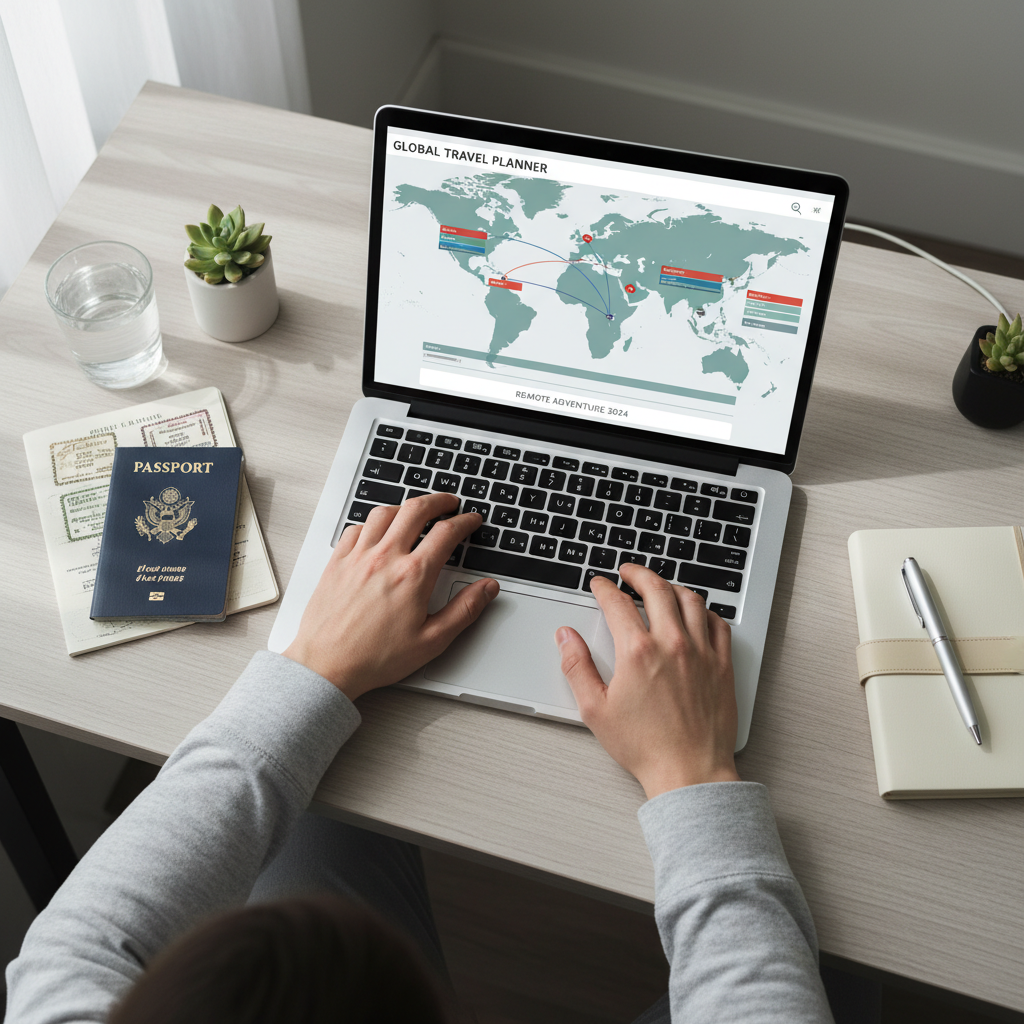
One practical rule: if you’re starting out, choose “easy mode” locations for your first 4–8 weeks. Stable Wi‑Fi, predictable transit, and a calm place to sleep will teach you your rhythm faster than an exotic itinerary.
3) Build a reliable connectivity and power stack (with backups)
If your work depends on being online, your setup needs redundancy. The road has more single points of failure than an office.
Your minimum viable setup
- Primary internet: Verified accommodation Wi‑Fi or a coworking membership you can rely on.
- Backup internet: Local SIM/eSIM hotspot plan, or a second SIM if your work is meeting-heavy.
- Power resilience: Universal adapter, extra charging cable, and a power bank sized for your devices.
- Access security: Password manager, 2FA, and a VPN when using public networks.
According to FCC (Federal Communications Commission), consumers should understand what their mobile plan covers and what roaming can cost. Translate that into a nomad habit: confirm hotspot limits and throttling rules before you bet a workday on them.
Testing Wi‑Fi like you actually mean it
- Ask hosts for a recent speed test screenshot, plus the provider name.
- Confirm router location, wall thickness matters more than people admit.
- Plan a “first-day audit”: test video calls, upload, and latency during your working hours.
One honest note: many listings say “fast Wi‑Fi” because it worked once on someone’s phone. Your bar is different. Treat it like a business dependency.
4) Protect your schedule: time zones, energy, and boundaries
The fastest way to burn out is pretending you can travel like a tourist and work like a full-time employee in the same day. You can do it for a week, then things get weird.
Simple schedule rules that usually hold up
- Anchor hours: Pick a 3–5 hour daily window where you’re always available.
- Meeting stacking: Put calls on 2–3 days if possible, keep other days for deep work.
- Arrival buffers: Avoid landing the day before a major deadline.
- Recovery time: Long-haul travel often steals 1–2 productive days, plan for it.
According to CDC (Centers for Disease Control and Prevention), jet lag and sleep disruption can affect alertness and performance. If you have health concerns or take medication, it’s wise to consult a medical professional before frequent time-zone jumps.
5) A practical planning table you can reuse for each move
This is where digital nomad travel tips become repeatable. Use a lightweight checklist per destination, so you don’t re-learn the same lessons monthly.
| Planning Item | What to Check | What “Good” Looks Like |
|---|---|---|
| Accommodation workspace | Desk, chair, lighting, noise | Real desk + chair, quiet at work hours |
| Internet | Speed, latency, reliability, backup | Stable video calls + hotspot fallback |
| Time zone overlap | Core meeting window | At least 3 hours overlap without ruining sleep |
| Payments & cash | Card acceptance, ATM fees, bank alerts | Two cards, emergency cash, travel notices set |
| Local SIM/eSIM | Coverage, hotspot allowance | Enough data for calls + map use + work emergencies |
| Safety basics | Neighborhood, late-night transit | Comfortable routes, backup ride options |
6) Pack for work continuity (not for “just in case”)
Packing is where people overcomplicate things. The goal is fewer failure points, not more gadgets.
Work-first packing list (tight but realistic)
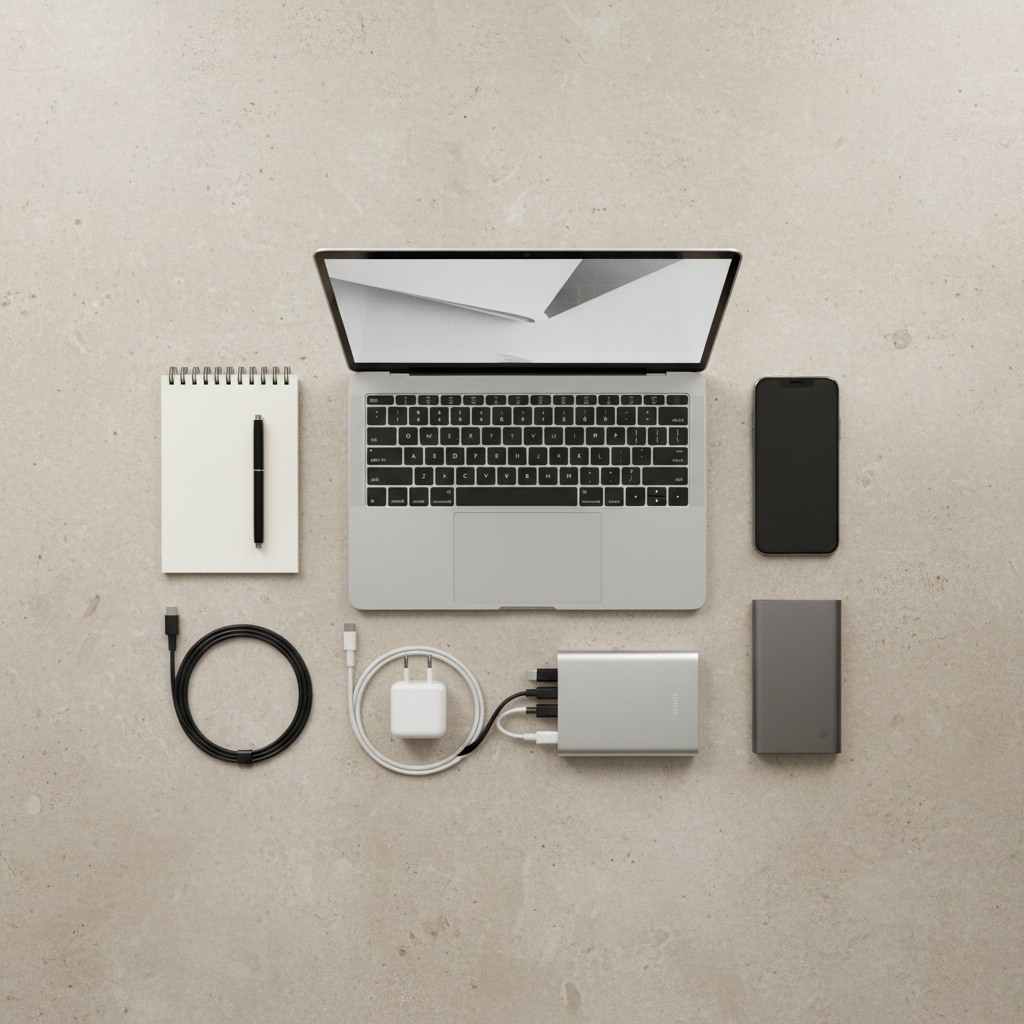
- Laptop essentials: charger, one backup cable, compact mouse if you use it daily.
- Connectivity: USB-C hub, lightweight headset, SIM tool if needed.
- Security: screen privacy filter if you handle sensitive info, small lock for bag zippers.
- Backup workflow: cloud sync + one physical backup if your files are mission-critical.
Key takeaways (save these)
- Redundancy beats optimism: always have a second way to get online.
- Time zones are a product choice: pick places that respect your working hours.
- Move slower than you think: frequent relocations cost real productivity.
- Stability is the lifestyle: the rest is optional.
7) Common mistakes that quietly cost you clients (and how to avoid them)
Most client issues don’t come from travel itself, they come from unpredictability. You can travel a lot and still look dependable.
- Overbooking travel days: Treat travel like a work project with slack time.
- Relying on public Wi‑Fi for sensitive work: Use a VPN and avoid transmitting confidential data on unknown networks.
- Ignoring noise and sleep: If you can’t rest, your output quality will drift.
- No communication plan: Tell your team your local hours and your backup contact method.
If you’re handling regulated data, complicated taxes, or visa questions, it’s smart to talk with qualified professionals (legal, tax, or compliance) rather than guessing based on internet advice.
Conclusion: make your nomad setup boring on purpose
The most useful digital nomad travel tips tend to sound unglamorous: choose destinations that fit your schedule, set up backups for internet and power, and move at a pace your work can survive. Do that consistently, and the fun parts of travel stop competing with your deadlines.
If you want a simple next step, pick one upcoming trip and run it through the planning table above, then upgrade only one weak link, usually backup internet or a stricter schedule buffer.
FAQ
What are the most important digital nomad travel tips for beginners?
Start by protecting work stability: reliable internet with a backup option, a time zone that doesn’t wreck your sleep, and longer stays so you’re not constantly resetting your routine.
How do I check if an Airbnb or hotel Wi‑Fi is actually usable for remote work?
Ask for a recent speed test screenshot, confirm the router location, then test video calls during your working hours on day one. If it fails, shift to coworking quickly instead of “trying again tomorrow.”
Do I really need a VPN as a digital nomad?
Often, yes, especially on public networks. A VPN can reduce exposure to basic network risks, but it’s not magic. Pair it with 2FA and good password hygiene.
How many days should I stay in one place to avoid losing productivity?
Many remote workers find 3–6 weeks is a comfortable range, because you recover the time you’d otherwise spend on transit, setup, and finding a work-friendly routine. Your workload may push that longer.
What’s a realistic backup internet plan while traveling?
A local eSIM or SIM with hotspot allowance is the common baseline. If your income depends on live calls, consider a second carrier as insurance, since outages and dead zones happen.
How do I handle time zone differences without burning out?
Set anchor hours, stack meetings, and avoid taking calls across your sleep window for weeks at a time. If your role requires heavy overlap, choose regions that align instead of forcing it.
Is it safe to work from cafés all day?
It can be, but it depends on the area and your setup. Keep valuables close, avoid exposing sensitive information on screens, and consider coworking when you need predictable quiet and better security.
What should I tell clients or my manager before I start traveling?
Share your working hours in their time zone, your primary communication channel, and what you’ll do if internet fails. That one message prevents a lot of avoidable friction.
If you’re building your own remote-work routine and want a more streamlined way to plan each move, a lightweight checklist plus a repeatable “connectivity stack” can save hours of trial-and-error, especially when deadlines leave no room for Wi‑Fi surprises.