
how to use a universal travel adapter comes down to two checks before you plug anything in: the plug shape your destination uses, and the voltage your device can accept.
A lot of travel headaches start with a simple mix-up, people assume an adapter “converts” power, then a hair tool runs hot, a charger stops working, or a hotel outlet trips. If you get the setup right, a universal adapter makes charging boring again, which is exactly what you want on a trip.
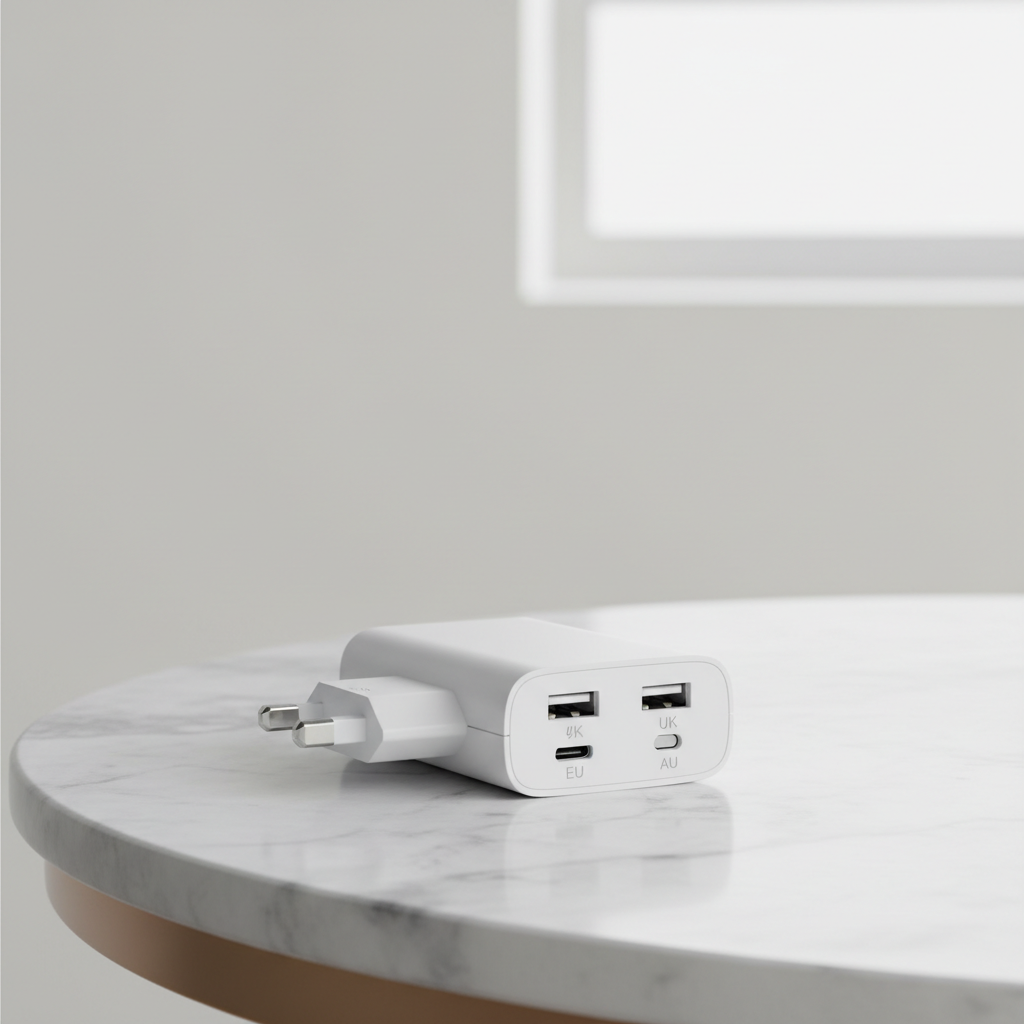
This guide focuses on practical use: how to identify what you actually need, how to set it up safely in real hotels and airports, and when you should use a voltage converter instead of “just an adapter.”
Universal adapter vs. converter: the misunderstanding that causes most problems
A universal travel adapter changes the plug shape so it fits a foreign outlet. It usually does not change voltage. A converter (or transformer) changes voltage, which matters for some appliances.
According to U.S. Department of Energy, the U.S. electric system commonly supplies 120V power, while many other countries commonly supply 220–240V. That gap is why certain devices behave badly overseas if they are not dual-voltage.
- Adapters: phone chargers, laptop chargers, camera chargers, most modern electronics (often dual-voltage)
- Converters: some hair dryers, straighteners, older/cheaper heating appliances (often single-voltage)
If you take one thing from this article, let it be this: plug fit and voltage are separate decisions.
Before you leave: confirm plug type, voltage, and power needs
Doing a 3-minute check at home saves you from buying a mystery adapter in an airport kiosk.
1) Check your destination plug type
Universal adapters cover the common plug standards (Type A/B, C, G, I, and sometimes others). Still, “universal” varies by brand, so verify the adapter explicitly lists your destination.
- UK, Ireland, parts of Hong Kong: usually Type G
- Most of Europe: usually Type C/E/F
- Australia, New Zealand: usually Type I
2) Check device voltage (this is the real safety step)
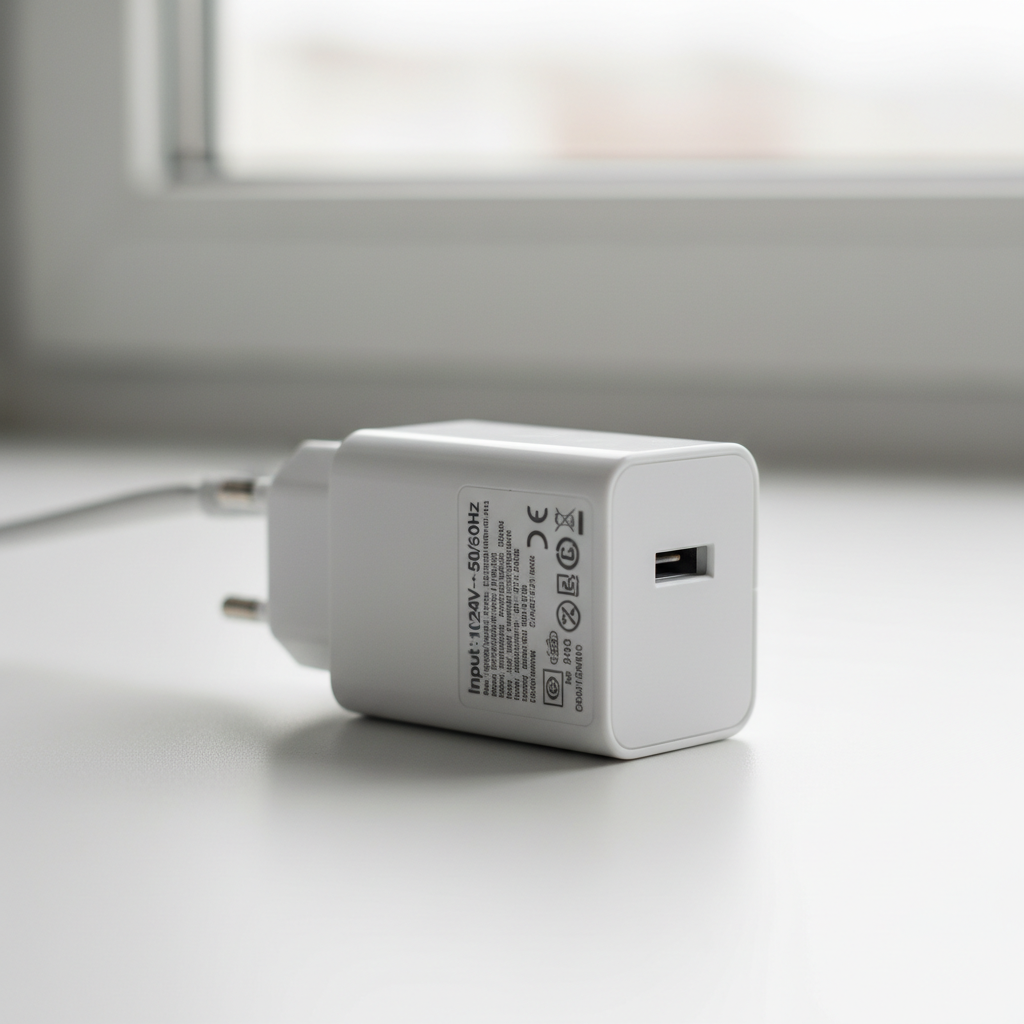
Look at the tiny print on the charger brick or device label. You want to see something like “Input: 100–240V 50/60Hz”. That means it can handle both U.S. and most international voltages with only an adapter.
- If it says 100–240V: adapter is usually enough
- If it says 120V only: you may need a converter or a different device
3) Estimate wattage for high-draw items
Most phones and tablets draw modest power. The tricky items are heat-producing tools and some travel kettles. If your universal adapter includes USB-C PD or AC output, make sure it can supply what your device expects.
- Laptops often need 45–100W (sometimes more)
- USB-C fast charging works best when the adapter supports the right PD profile
How to use a universal travel adapter: step-by-step setup
In most hotel rooms, the safest routine is consistent and boring. Here is the approach that avoids surprises.
Step 1: Select the correct plug configuration
Slide, unlock, or click out the plug type you need. Make sure it is fully extended and not half-seated, that “almost clicked” feeling is where wobble starts.
Step 2: Plug the adapter into the wall outlet first
Seat it firmly. If the outlet is loose, pick another outlet rather than propping it up with luggage, loose contact can cause heat buildup in some situations.
Step 3: Connect your device to the adapter
Use either the AC socket (for a charger brick) or the built-in USB ports. If your adapter has both, avoid stacking heavy charger bricks that put leverage on the outlet.
Step 4: If your adapter has a fuse or reset, know where it is
Many travel adapters include a fuse for basic protection. If something stops charging mid-trip, checking the fuse can save time. If you are unsure how to replace it, follow the manufacturer manual rather than improvising.
Quick self-check: are you using the right setup for your device?
If you feel even slightly unsure in a foreign room at midnight, run this quick checklist.
- Device label says 100–240V: proceed with adapter
- Device label says 120V only: pause, consider converter or alternative
- Device is heat-based (dryer, straightener): treat as higher risk
- Adapter feels warm (not just slightly): unplug and reassess
- Outlet is loose or spark-prone: use another outlet
Key point: if the device is not dual-voltage, a universal adapter alone usually cannot make it safe.
Common situations and what to do (hotels, airports, trains)
Where you plug in matters more than people expect.
Hotels and vacation rentals
- Prefer a wall outlet that holds the adapter snugly
- Keep the adapter in open air, not under blankets or behind curtains
- If the room has USB outlets, confirm they charge fast enough for your needs
Airports and lounges
- Many seats provide mixed outlet types, still verify before forcing a plug
- Use your own cable and charger when possible, public USB ports can be a security concern
Trains and buses
- Power can be unstable on some routes, expect slower charging
- Bring a power bank as a buffer when outlets are unreliable

Adapter feature comparison table: what actually matters
Not all “universal” adapters solve the same problems. This table helps you choose based on how you travel.
| Feature | Why it matters | Who benefits most |
|---|---|---|
| USB-C PD (45–100W) | Charges newer phones and many laptops faster | Remote workers, one-bag travelers |
| Multiple USB ports | Reduces the number of charger bricks you carry | Families, group trips |
| Replaceable fuse | Extra protection if something overloads | Frequent travelers |
| Grounding support | May be helpful for some devices, varies by design | Laptop users, some camera gear |
| Compact, lockable sliders | Less wobble, less chance of bent pins in a bag | Anyone who travels often |
Safety and mistake-proofing: what not to do
Most issues come from rushing or assuming every outlet behaves like home. A few habits reduce the risk of heat, arcing, or dead chargers.
- Do not plug a 120V-only hair tool into 230V power with only an adapter, it may overheat quickly
- Do not daisy-chain adapters and power strips unless the strip is rated for the local voltage and you understand the load
- Do not force a plug, if it does not fit easily, it is likely the wrong type
- Do not cover adapters while charging, trapped heat is a common failure path
According to Electrical Safety Foundation International (ESFI), overloaded outlets and damaged cords can increase fire risk. If you notice scorching, melting plastic smell, or repeated tripping, unplug and switch outlets or stop using that setup.
When you may need a different tool (or professional help)
If you are traveling with medical equipment, specialized battery chargers, or high-wattage appliances, it is worth getting more specific than a universal adapter. Some devices have strict power requirements, and the wrong setup can cause malfunction.
- Medical devices: check the manufacturer documentation, and consider asking your clinician or device provider if travel voltage affects operation
- High-watt appliances: consider a converter rated above your device wattage, or buy a dual-voltage travel version
- Repeated failures: if multiple chargers fail in one location, stop and ask hotel staff about the outlet condition
Practical travel tips to make your adapter setup smoother
These are small, real-world moves that keep your charging setup simple.
- Pack one short extension cord rated for travel if you often face awkward outlet placement, but confirm it supports the destination voltage
- Label your highest-watt charger so you grab it first for laptops
- Bring one spare fuse if your adapter uses a common fuse type and the brand recommends it
- Take one power bank for transit days, outlets are not guaranteed
Key takeaways: match the plug type, confirm dual-voltage, keep connections secure, and treat heat-producing devices as a special case.
Conclusion: make the adapter boring, and your trip easier
Once you understand how to use a universal travel adapter, most of the “will this fry my charger” anxiety disappears, you check voltage once, pick the right plug, and charge like normal. Before your next trip, scan your device labels for 100–240V and decide whether any single-voltage item should stay home.
If you want a simple next step, build a tiny kit: one universal adapter you trust, one high-watt USB-C charger, and one power bank, then you stop solving charging problems on the road.