
how to activate travel sim card abroad is usually simple, but the small details—phone compatibility, APN settings, and local network rules—can turn it into a frustrating airport problem.
If you want your SIM to work the moment you land, you need a quick plan: confirm your phone can use the SIM, know when to insert it, and keep the activation steps handy even without Wi‑Fi.
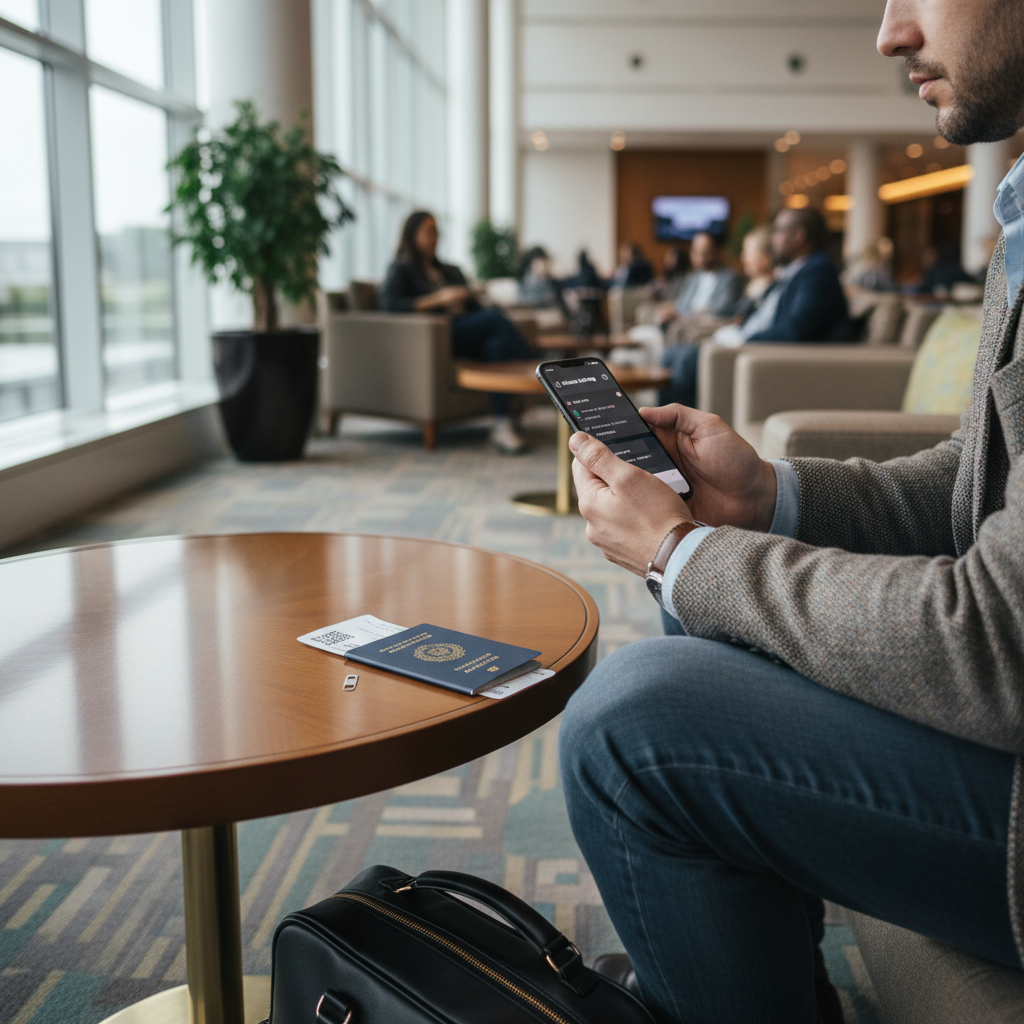
One more thing, many people mix up activation (making the SIM line live) with getting data to work (APN and roaming settings). This guide covers both, so you can get calling, texting, and mobile data working with fewer surprises.
Before you leave: what to check so activation doesn’t fail
Most activation issues are predictable, and you can prevent them before your trip with a 5-minute check.
- Unlocked phone: If your phone is carrier-locked, a travel SIM often won’t register on a network. In the US, many phones are unlocked, but not all. If you’re unsure, ask your carrier or check your device settings.
- Device compatibility: Your phone must support the destination’s network bands. According to GSMA, global networks commonly use different frequency bands and technologies, so band support can affect coverage and performance.
- SIM type and size: Physical SIM (nano) vs eSIM. If you bought a physical travel SIM, make sure it’s the right size or includes an adapter.
- Plan details saved offline: Screenshot QR codes (for eSIM), activation PINs, APN instructions, and customer support numbers.
- Backup access: Keep airport Wi‑Fi, a second phone, or your US SIM available until everything works.
Key point: if your phone is locked, there’s no clever trick later. Activation problems often look like a network error, but the root cause is lock status.
Travel SIM vs eSIM vs roaming: choose the right setup
Sometimes the best fix is choosing the right product for your trip. Here’s a practical comparison, not marketing fluff.
| Option | Best for | Pros | Common pitfalls |
|---|---|---|---|
| Physical travel SIM | Older phones, long trips, moving across one region | Simple swap, often strong local coverage | Need unlocked phone, can lose your US SIM, may need APN setup |
| eSIM travel plan | Newer iPhones/Android, quick setup, multi-country travel | No physical swap, easier to keep US SIM active | QR code download needs internet, device must support eSIM |
| Carrier international roaming | Short trips, business travel, keeping same number | Zero setup, familiar billing | Can be expensive, speed limits, fair-use rules vary |
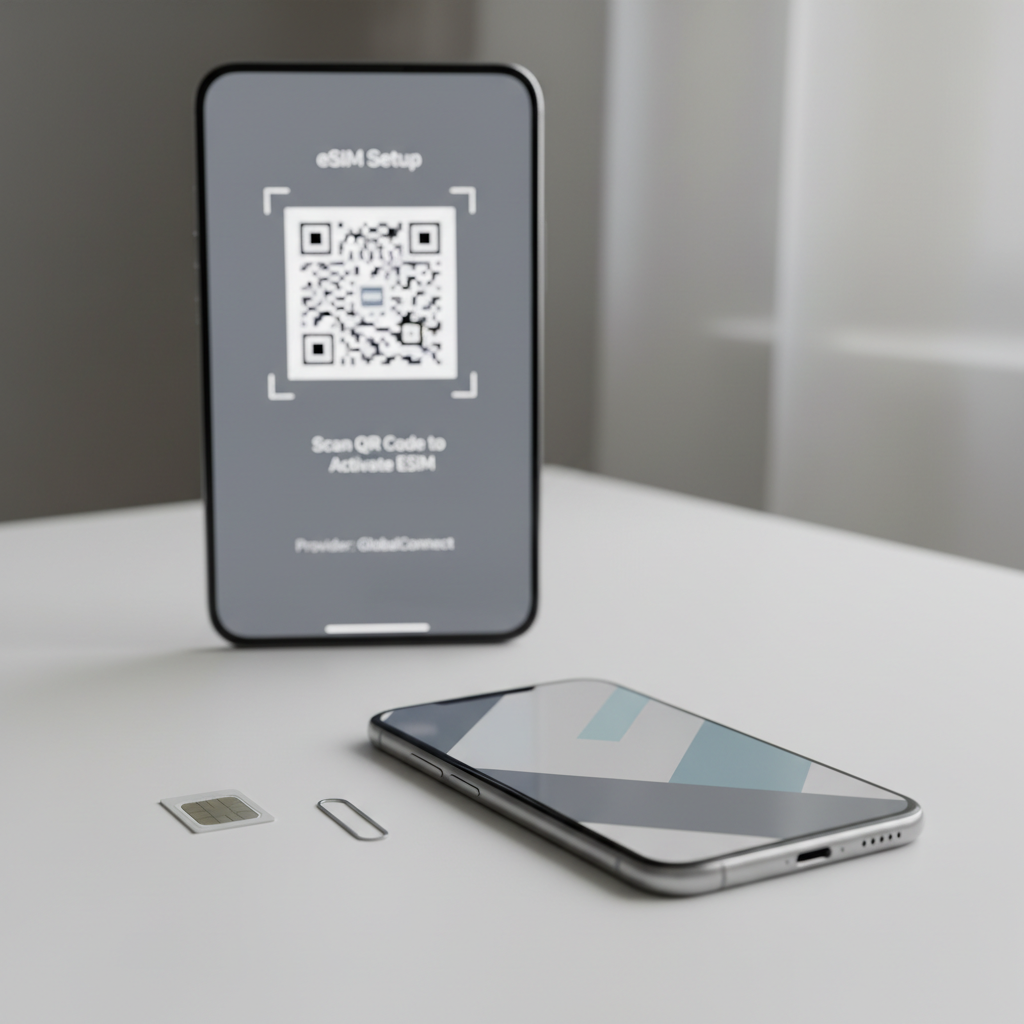
If you’re deciding last-minute, a good rule is: eSIM for speed and flexibility, physical SIM when your phone or trip makes eSIM annoying, roaming when convenience matters more than cost.
How activation typically works (and what “activated” really means)
Most travel SIMs activate in one of three ways, and knowing which one you have saves time.
- Auto-activation on first network connection: You insert the SIM abroad, it registers, and the plan starts.
- Manual activation via code or web portal: You enter an ICCID/serial number and sometimes your passport details (country rules vary).
- Activation date scheduled at purchase: The provider starts service on a selected day, even if you haven’t landed yet.
In practice, “activated” can mean calls/text are live but data still needs APN settings, or the SIM can see a network but can’t authenticate until a portal step finishes. That mismatch is where people waste an hour.
Step-by-step: how to activate a travel SIM card abroad
Use this sequence, because it reduces the number of variables you change at once.
1) Turn on Airplane Mode, then power down
It sounds basic, but it prevents your phone from half-registering on a network while you’re swapping SIMs.
2) Insert the travel SIM (or enable the eSIM)
- Physical SIM: swap SIMs, keep your US SIM somewhere safe.
- eSIM: install the plan using QR code or provider app, then select it as your cellular line.
3) Turn the phone on and wait for network registration
Give it 2–5 minutes. If you see signal bars but no data, don’t panic yet.
4) Set the travel SIM as the line for cellular data
On most phones you can keep your US number for iMessage/FaceTime while using the travel plan for data. Just be careful: some setups can trigger roaming charges on your US line if it stays enabled.
5) Check APN settings if data doesn’t work
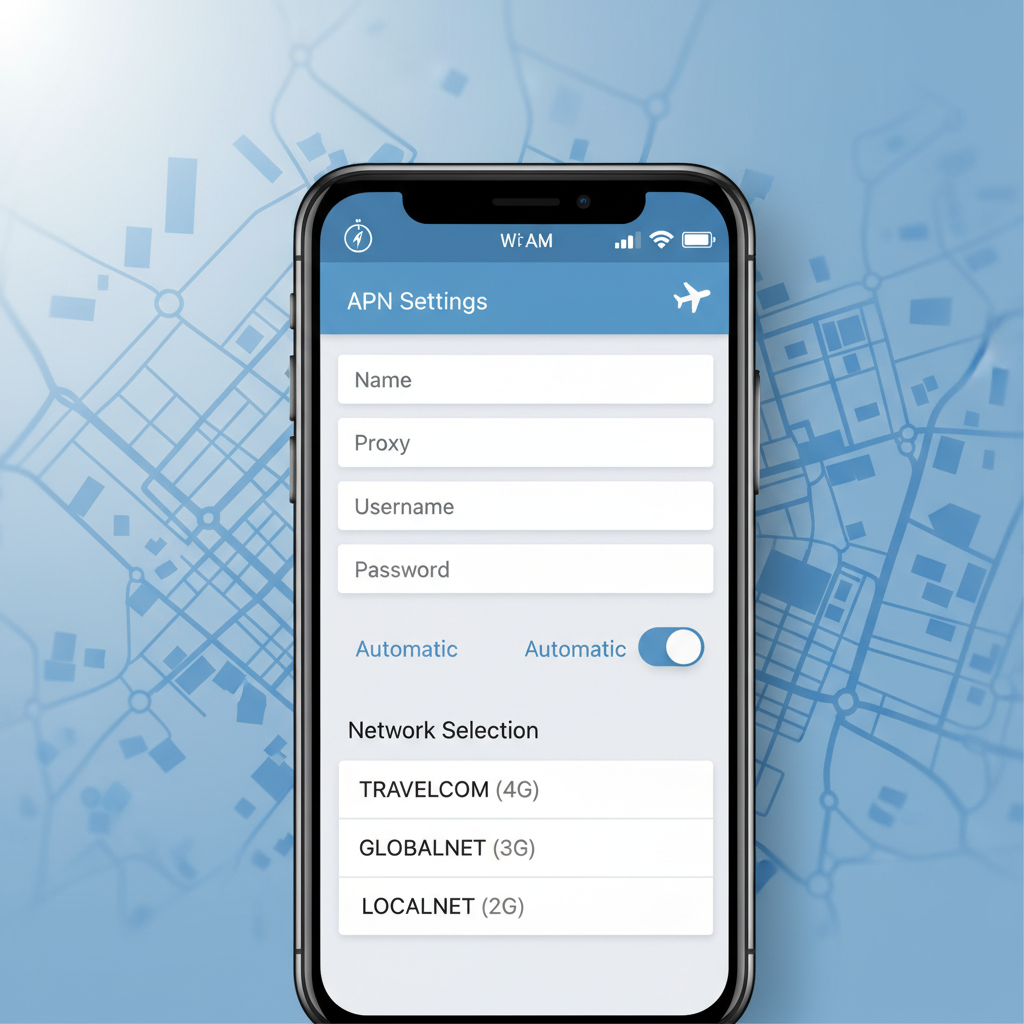
APN is the access point name, basically the carrier gateway your phone uses for mobile data. Many travel SIMs require manual APN entry, especially MVNO-style plans.
- Use the exact APN string from your SIM packaging or provider site.
- Restart after saving APN changes, many phones only apply it after a reboot.
6) If required, complete the provider activation step
This might be a text message confirmation, a portal login, or scanning an ID, depending on country requirements and provider policies. According to FCC guidance on mobile services, consumers should confirm service terms and activation requirements with their provider, since setup steps and limitations can vary.
7) Run a quick functional test
- Open a webpage on mobile data (Wi‑Fi off).
- Send one SMS or make a short call if your plan includes it.
- Check hotspot/tethering only if you plan to use it, some plans restrict it.
Fast self-check: what kind of problem are you having?
If activation isn’t working, diagnose by symptom, not by guessing.
- No signal at all: phone locked, SIM not seated, wrong SIM type, unsupported bands, or you’re in a dead zone.
- Signal present, but no data: APN wrong/missing, data line not selected, data cap reached, plan not fully provisioned yet.
- Data works, but calls/text don’t: data-only plan, dialing format issue (country code), VoLTE requirements, or plan limitations.
- Works for a bit, then drops: network selection set to manual, provider roaming partner mismatch, or device switching between LTE/3G/2G poorly.
- Unexpected charges on US line: US SIM still active for voice, Wi‑Fi calling settings, or roaming not disabled on your home line.
When people search how to activate travel sim card abroad, they often assume it’s one single “activation button.” In reality, it’s more like a chain, and one missing link breaks the experience.
Troubleshooting that actually works (in a sensible order)
You don’t need 20 random tips. Try these in order, and stop once it’s fixed.
- Toggle Airplane Mode, wait 15 seconds, toggle back.
- Restart the phone, especially after APN edits or eSIM installs.
- Switch network selection: set to Automatic, or manually pick a partner network if your provider lists one.
- Reset network settings (last resort): it clears saved Wi‑Fi and Bluetooth too, so do it only when you’re stuck.
- Confirm plan status in the provider app/portal: active date, data remaining, and whether you bought a data-only plan.
- Try a different location: concrete buildings and underground areas can block signal enough to look like an activation failure.
If you’re using an iPhone, also check for a carrier settings update. On Android, check whether preferred network type is set to LTE/4G/5G rather than 2G/3G.
Common mistakes to avoid (they cost the most time)
- Installing eSIM without reliable internet: download first if you can, or keep airport Wi‑Fi handy.
- Assuming every travel SIM supports calls: many are data-only, which is fine, but you’ll need WhatsApp/FaceTime/Google Voice.
- Leaving your US SIM roaming: turn off roaming on your home line if you’re trying to avoid charges.
- Mixing up APN values: one wrong character can break data, copy exactly.
- Throwing away the SIM packaging: the ICCID, PIN/PUK, and APN info often live there.
A small reality check, some countries require ID registration for SIM use, and processes differ by provider. If you’re buying locally, ask what they need before you pay.
When to contact support (and what to send so they can fix it fast)
If you’ve done the basics and still can’t complete how to activate travel sim card abroad, it’s usually faster to contact the SIM provider than to keep flipping settings.
Send these details upfront so support doesn’t bounce you back with generic steps:
- SIM ICCID/serial number (photo is fine)
- Phone model and whether it’s unlocked
- Your current country and city
- Screenshot of APN page (hide personal info)
- What exactly works vs fails: signal, data, calls, SMS, hotspot
If you suspect your phone is locked, your home carrier may be the only one who can resolve it. In that case, a local SIM won’t magically start working, even if the signal bars appear.
Practical setup tips for US travelers (keep your number, avoid surprises)
Many US travelers want data abroad without losing access to their regular number. That’s doable, just handle it carefully.
- If you need US texts for bank logins: keep your US SIM active for SMS, but disable data roaming on that line.
- If your plan supports Wi‑Fi Calling: set it up before leaving the US, it can help you receive calls/texts over Wi‑Fi, but results vary by carrier and destination.
- If you use iMessage: confirm which line iMessage uses, switching can cause temporary message routing confusion.
Quick takeaway: pick one line for data, and be explicit about it in settings, ambiguity is what causes surprise charges.
Conclusion: a clean activation routine beats last-minute panic
Once you treat activation as a short checklist—unlocked phone, correct SIM, network registration, then APN—the whole how to activate travel sim card abroad process becomes boring in a good way.
Your next move is simple: verify your phone is unlocked today, then save your SIM’s APN and support info offline so you’re not stuck hunting for instructions on shaky airport Wi‑Fi.
FAQ
How long does it take to activate a travel SIM card overseas?
Many plans activate within a few minutes after connecting to a local network, but some need a portal step or manual confirmation. If it’s still not working after 10–15 minutes, start troubleshooting APN and network selection.
Why do I have signal bars but no internet on my travel SIM?
This usually points to APN settings, the wrong line selected for mobile data, or the plan not fully provisioned yet. Check APN first, because it’s the most common fix and takes under a minute.
Do I need to activate my travel SIM before I leave the US?
It depends on the provider. Some are designed to activate only once you arrive abroad, while others let you start service on a chosen date. If your plan has a limited validity window, activating too early can waste days.
Can I keep my US number while using a travel SIM for data?
Often yes, especially with dual-SIM phones or eSIM. The main caution is to disable data roaming on your US line if you don’t want unexpected charges.
What if my phone says “SIM not supported” or “Invalid SIM”?
That message commonly suggests a carrier lock or an incompatible SIM type. Confirm your phone is unlocked and that you’re using the correct SIM size and format.
Will a travel SIM work in multiple countries?
Some regional travel SIMs roam across several countries, others are country-specific. Check the covered destinations list and any fair-use rules, because performance can vary by partner networks.
Is a travel SIM safer than public Wi‑Fi?
Mobile data can reduce reliance on public hotspots, but it’s not a complete security solution. If you handle sensitive accounts, consider using reputable security practices, and for complex risk concerns it may help to consult a qualified IT professional.
If you’re planning a trip and want a more predictable setup, it helps to choose a travel SIM or eSIM that matches your phone model and the way you travel, then do a quick test plan before departure so you’re not solving connectivity problems in line at customs.